 Blur Face
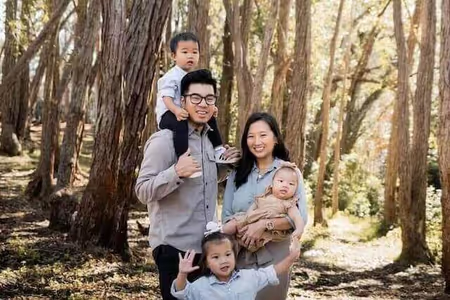
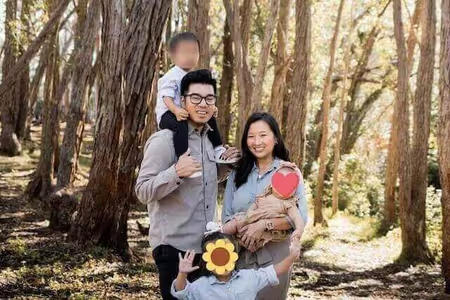
免费 AI 人脸打码 —
在线快速模糊与遮盖脸部
使用隐私优先的 AI 在几秒钟内匿名化照片。免上传、免注册,100% 浏览器本地处理,确保个人资料绝对安全。
简单 3 步骤,轻松保护隐私
我们的编辑器直观易用,无需任何修图技巧或账号注册,即可快速匿名化您的照片。
1. 上传照片
从电脑或手机选择照片,或直接拖放。支持 JPEG、PNG 和 WebP 格式。照片在浏览器中直接打开 — 从不上传至任何服务器,也不会离开您的设备。
2. AI 自动检测与编辑
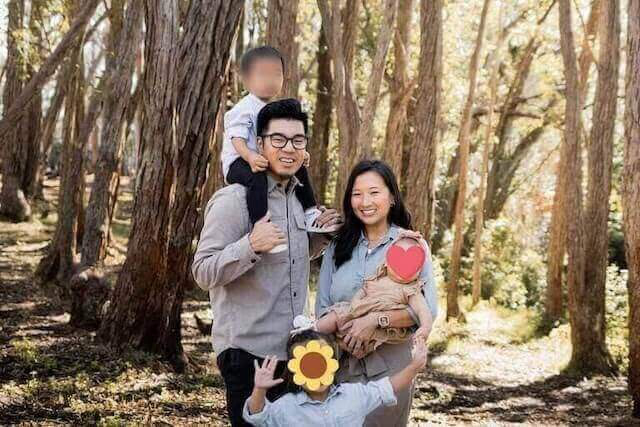
AI 会瞬间检测所有脸部并应用模糊效果。您可以自由调整模糊强度、切换马赛克或是可爱贴图样式,也能手动微调区域。
3. 安全下载
下载处理好的高画质照片。我们会自动移除 EXIF 等敏感元数据(如拍摄地点),确保您的隐私滴水不漏。
为什么选择 Blur Face?
我们结合了专业级的 AI 识别技术与严格的隐私优先架构,给您最安心的体验。
-
智能 AI 检测
最新的机器学习模型能精准识别复杂场景中的多张脸孔,大幅节省您的手动修图时间。
-
精确手动控制
需要更细致的调整?您可以轻松新增或移除模糊区域,甚至手动遮挡车牌、文件等敏感信息,并自定义外观样式。
-
100% 客户端处理
与其他工具不同,我们完全看不到您的照片。通过 WebAssembly 技术,所有运算都在您的浏览器内完成,数据绝不外泄。
专业人士的隐私合規性
专为法律、执法和安全专家设计。
支持数据最小化
本地处理可减少图像传输,但组织仍须确认自身的法律和政策要求。
无云端泄露风险
原始图像不会发送到 Blur Face 图像处理服务器,而是在设备上编辑。
EXIF 数据移除
自动清除 GPS 和设备元数据,防止位置追踪。
看得见的隐私保障
比较一般云端处理与我们安全本地处理的差异。
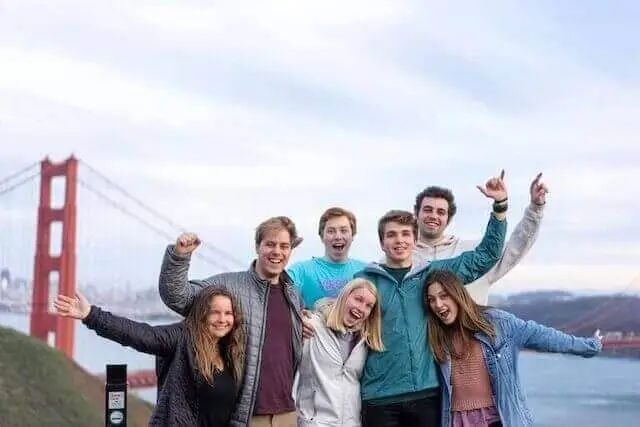
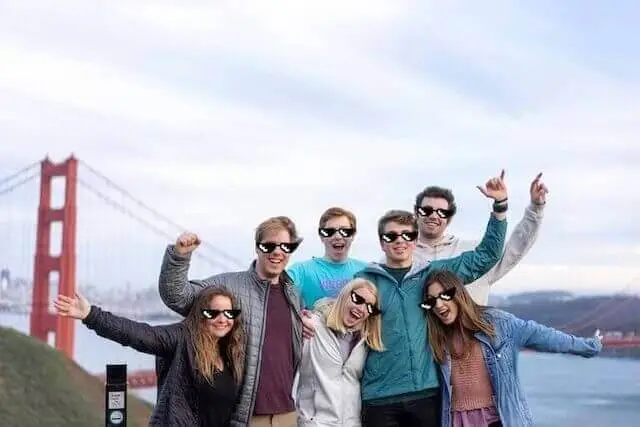
处理前: 脸部特征清晰可辨,且包含位置等敏感元数据。
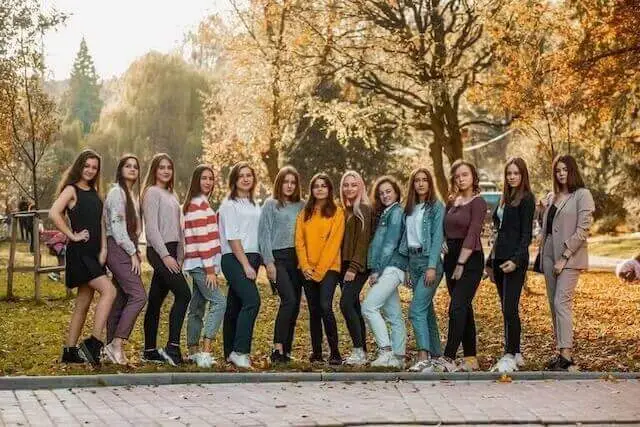
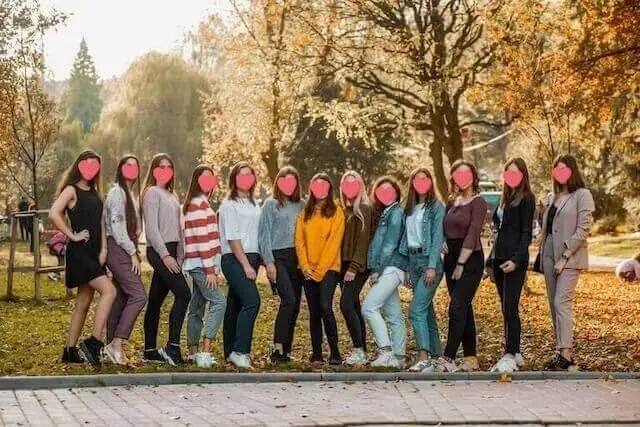
处理后: 身份特征已受保护,EXIF 个人信息已彻底移除。
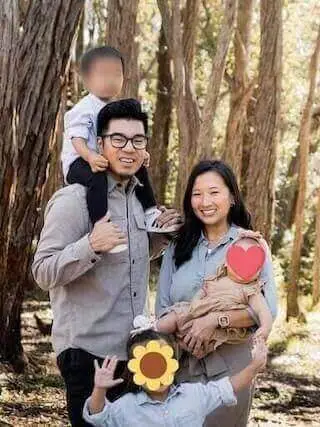
frame-by-frame AI blur
也能模糊视频中的脸
AI 自动逐帧检测并模糊 MP4 和 MOV 视频中的所有面部 — 直接在浏览器中处理,无需上传。
- AI 自动检测每张脸
- 在浏览器中运行 — 无需上传,无需服务器
- 免费 — 支持 MP4 和 MOV(H.264)
常见问题 (FAQ)
关于我们的技术与数据安全,这里有您想知道的解答。
Blur Face 真的是免费的吗?
核心图像工具可以免费使用,无需帐户或付款详细信息。随着服务的发展,可用性和限制可能会发生变化。
AI 人脸检测是如何工作的?
Our AI face detection operates entirely within your web browser using advanced lightweight machine learning models. When you select an image, the photo is never uploaded to an external server or cloud database. Instead, the artificial intelligence algorithm, powered by WebAssembly (WASM) and TensorFlow.js, scans the pixel data locally on your device's processor. It rapidly identifies facial landmarks such as eyes, noses, and mouth structures to determine the presence and exact coordinates of human faces. This local processing ensures lightning-fast detection speeds, typically highlighting faces in less than a second, regardless of your internet connection speed. Because the AI model runs on the client side, your privacy is absolutely guaranteed—nobody, not even our development team, can see or access the photos you are editing. This makes it the safest option for handling sensitive or confidential media.
我可以一次模糊多个人脸吗?
Absolutely. One of the most powerful features of Blur Face is its ability to handle multiple faces simultaneously with incredible precision. When you load a group photo—whether it’s a classroom picture, a crowded street scene, or a corporate event snapshot—our AI engine instantly scans the entire canvas and detects every single face. By default, you can click the "Blur All" button to instantly apply your chosen privacy effect (such as standard blur, pixelation mosaic, or solid black censor bars) to every detected individual at once. This batch processing capability saves you significant time compared to manually drawing boxes over each person. If there are specific people you want to remain visible, you can simply tap or click on their individual blur masks to remove the effect, giving you complete granular control over exactly who is anonymized and who stays in focus.
处理机密照片安全吗?
Yes, it is fundamentally safe to process highly sensitive, confidential, or private photos using Blur Face because of our unique offline-first architecture. Most online photo editors require you to upload your files to their remote servers for processing, which creates significant security vulnerabilities, potential data breaches, and privacy compliance issues under laws like GDPR or CCPA. In contrast, our tool processes all images locally directly within your web browser (client-side processing). Your photos literally never leave your smartphone, tablet, or computer. There is no cloud storage, no temporary server caching, and no data collection of your imagery. Once you close the browser tab, all image data is instantly and permanently cleared from the application's memory. This makes Blur Face an ideal and secure solution for journalists, legal professionals, medical staff, and everyday users handling sensitive material.
手机上也能使用吗?
是的。该编辑器可在 iPhone、iPad 和 Android 设备上的现代移动浏览器中运行。性能取决于设备、浏览器和图像大小。
我可以模糊人脸以外的东西吗?
是的。在车牌、地址、徽章、屏幕、纹身或其他细节上添加手动区域,然后选择模糊、马赛克或不透明封面。
照片的元数据会怎样?
导出会创建一个没有公共源 EXIF 元数据的新图像。当位置或设备信息敏感时,仍然使用适当的元数据工具检查导出的文件。
会在照片上添加水印吗?
Blur Face 不会向导出的图像添加水印。
支持哪些图片格式?
图像编辑器接受常见的浏览器支持的格式,包括 JPEG、PNG、WebP 和 AVIF。导出格式和透明度行为可能取决于所选的工作流程。
做错了可以撤销吗?
下载之前,您可以删除、移动编辑区域或调整其大小,并清除当前编辑。您设备上的原始源文件不会被修改。